
If you've created a project and can't see it where you expected, don't worry — it's almost always one of two things, and both are easy to sort. Here's what's going on and how to find your project.
1. You're the organiser, so your project lives under "Organised Projects"
If you created the project, or you're set up as its administrator, it won't appear in Explore. Explore is where a gifter goes to find a project to help with, so it shows other people's projects — not your own.
To see a project you organise, head to Organised Projects instead. That's your home base for anything you're running.
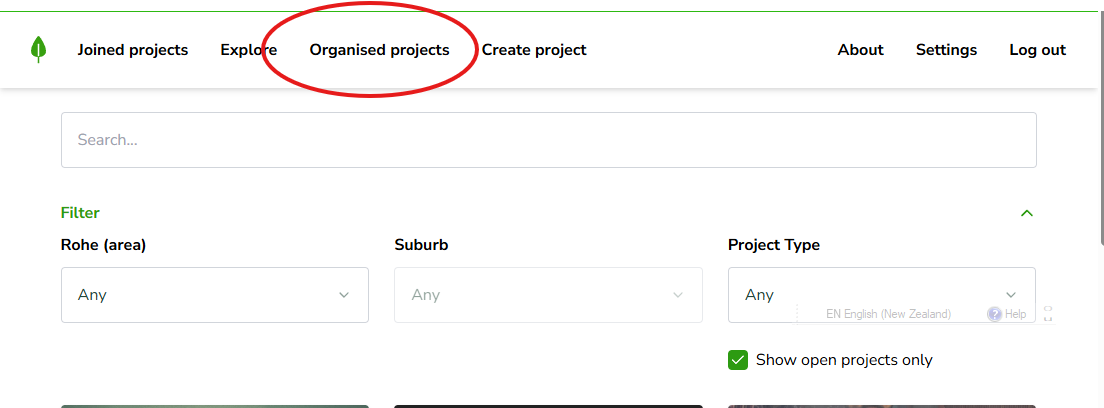
Once you're in Organised Projects, your kaupapa will be right there, ready for you to manage.
2. The project isn't open to join right now
If you're not the organiser and still can't find a project in Explore, there's one more thing to check.
By default, Explore only shows projects that are open and available to be joined. We do this on purpose — it points gifters toward the places that need a hand right now, so help lands where it's needed most.
That means a project that's been created but isn't currently open to join won't show up in the default view. To see it, untick Show open projects only.
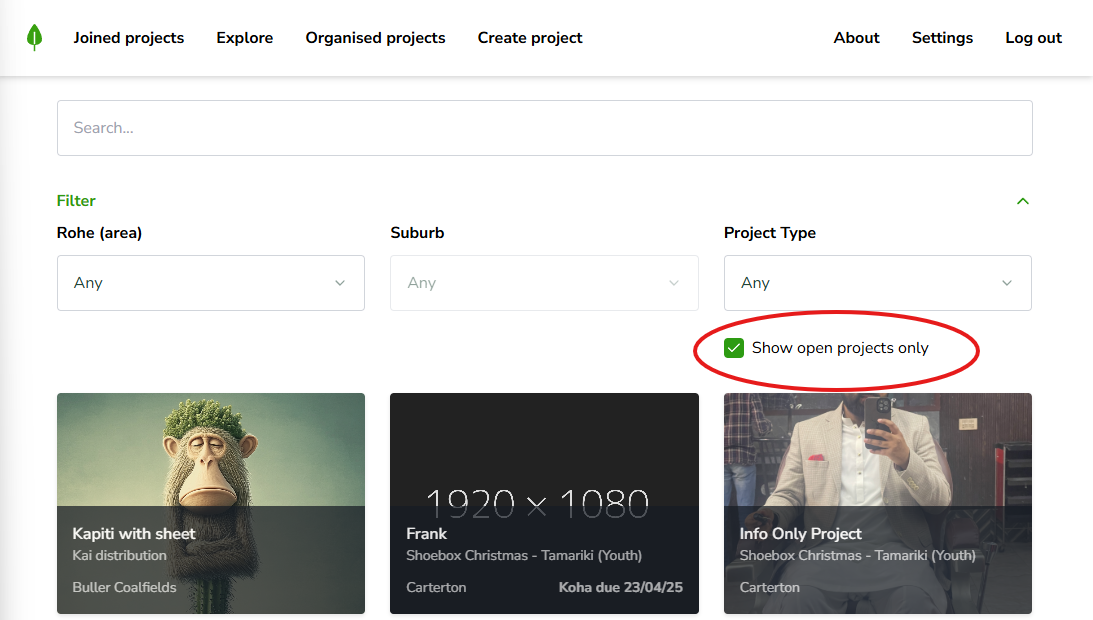
With that unticked, Explore will show all projects that have been created and are in the open stage — not just the ones taking new gifters at this moment.
Still can't find it?
If you've checked both of these and your project still isn't showing, kōrero mai — get in touch and we'll help you track it down.