
Getting to the Edit screen
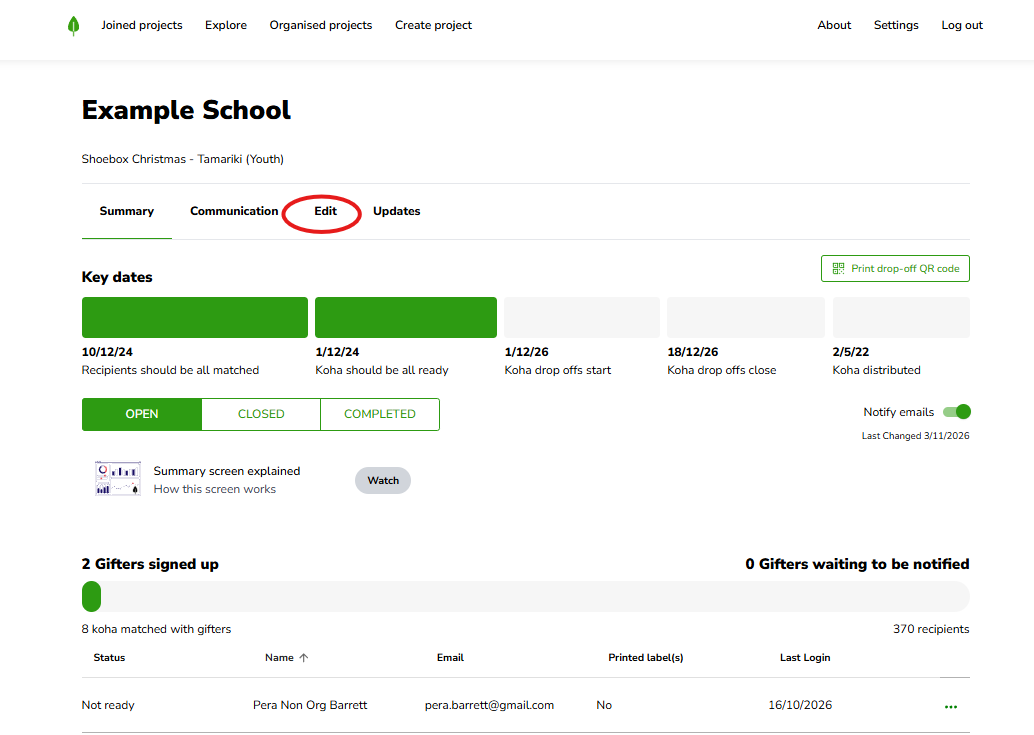
Log in, click Organised Projects, and open the project you want to update. Along the top, click Edit in the header menu (Summary, Communication, Edit, Updates).
The standard questions are already there
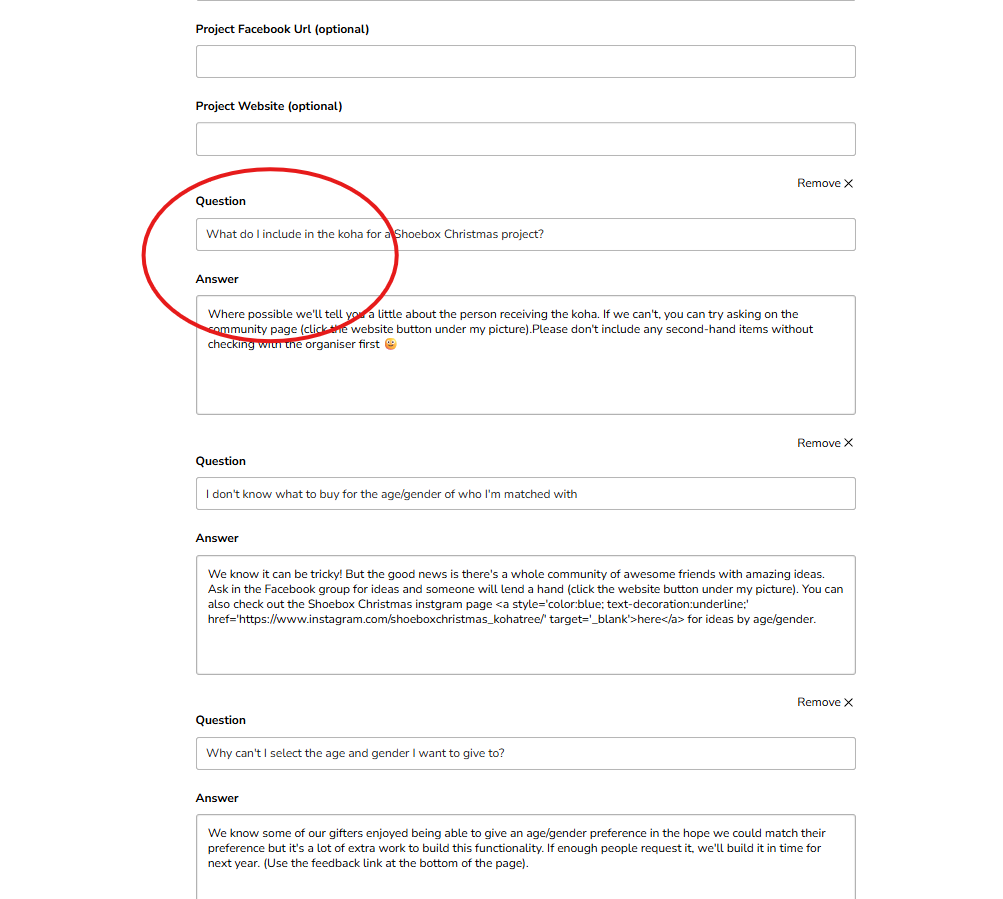
On the Edit screen, scroll down to the questions and answers section. You'll see a set of standard FAQs already in place — these are the ones gifters ask most often, so they're there by default to save you the mahi.
Make them your own
You can shape this section however suits your project:
Keep the standard ones that are useful.
Remove any that don't apply to you.
Add your own questions and answers — perfect for the things people keep asking you directly that you'd rather answer here.
Saving your changes
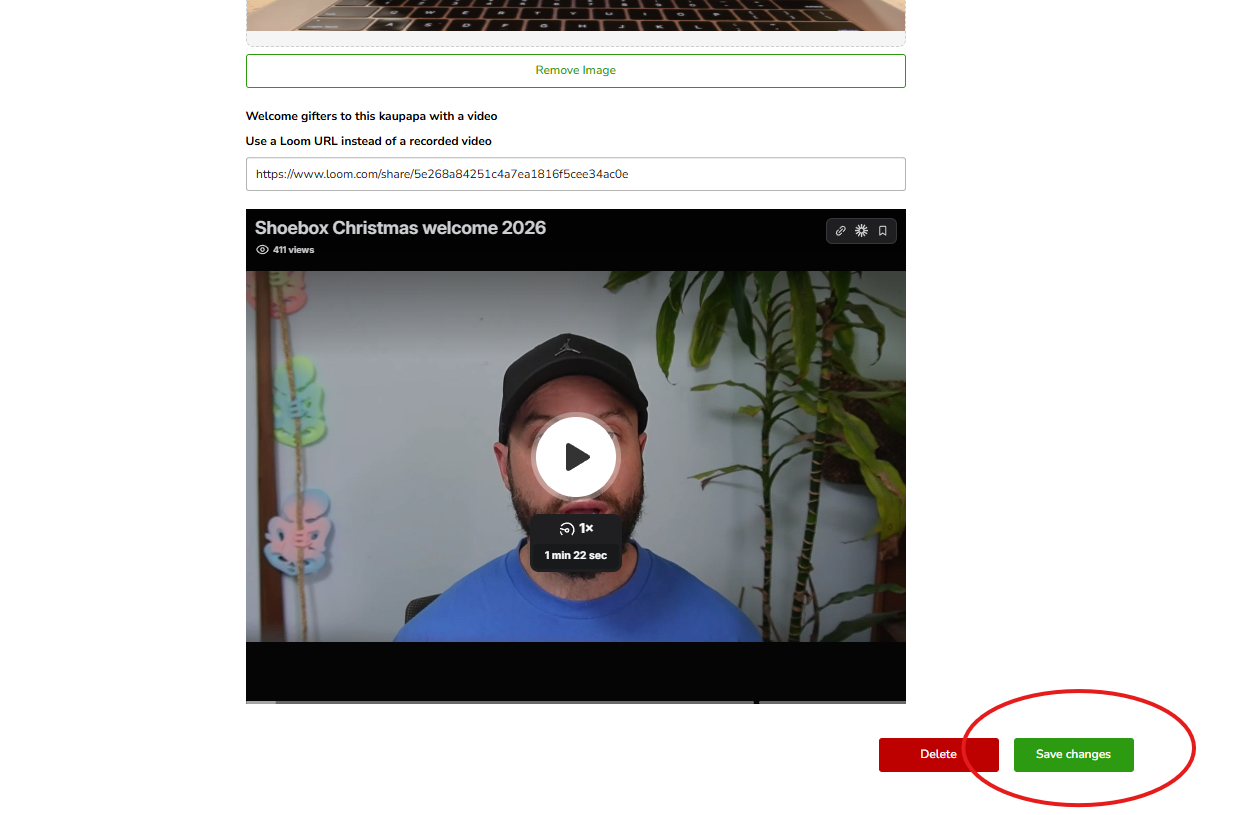
When your FAQs are set, scroll down and save (the save button at the bottom of the Edit screen).
Still stuck?
If your questions aren't showing the way you'd like, kōrero mai — get in touch and we'll help you get it sorted.